Guide · Series 3/3
How to run an AI influencer as an AI fitting model
How to run an AI influencer as a fitting model for shop and sponsored shots: one garment photo dresses your character in Fitting Studio, plus tips and cautions.
LILIT 팀 · August 29, 2026
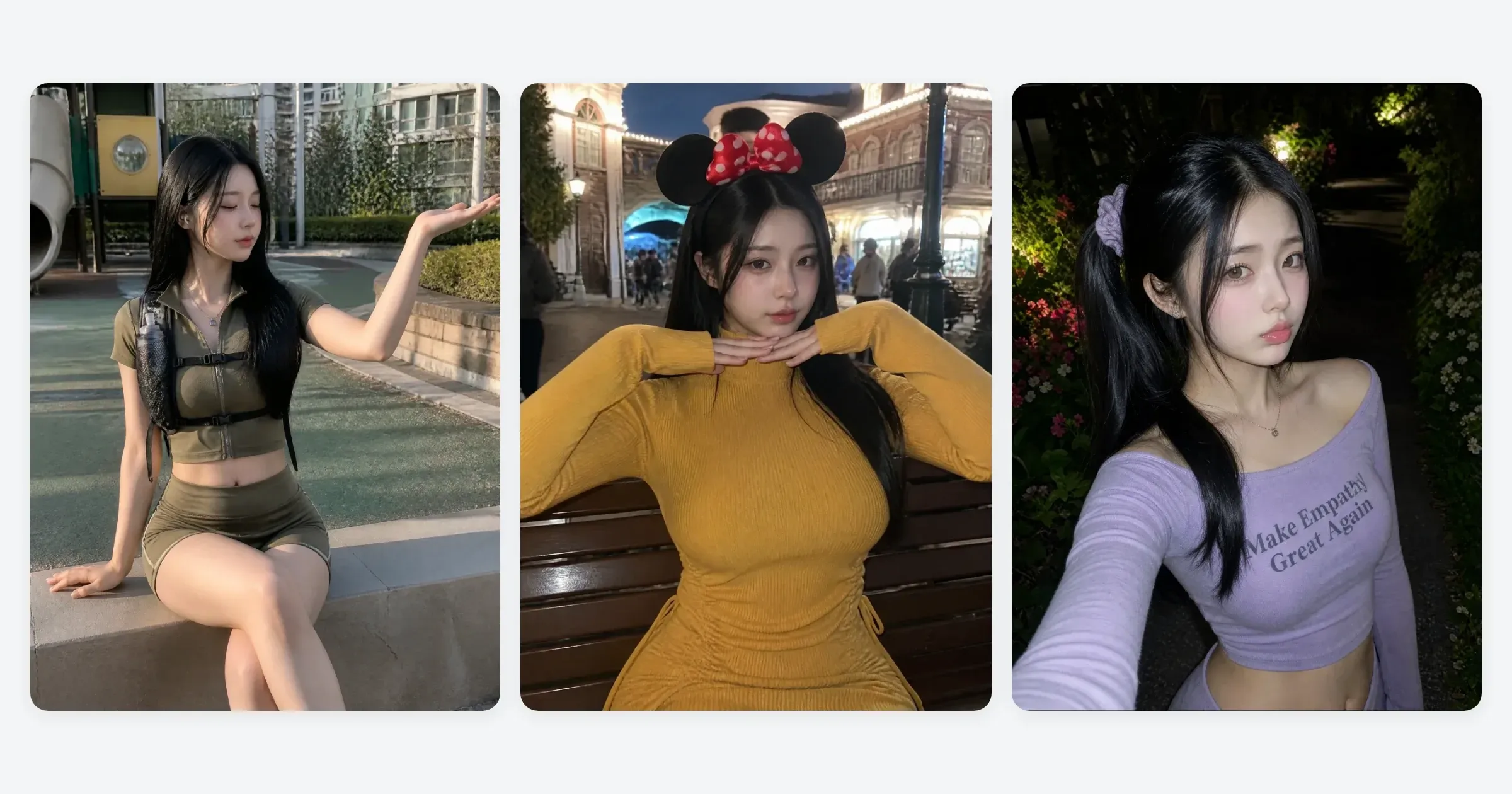
An AI fitting model is an AI influencer wearing the clothes in place of a real model. You upload one photo of a garment, and out comes a shot of your character wearing it. No shoot, no model booking, no studio. Shop detail pages, sponsored wear shots, and outfit-of-the-day content all come from the same move, and it's one click, no prompts.
What makes a fitting model different
The photos in the first two posts (creating one and three ways to run one) were photos for your own account. A fitting model is the reverse: your character wears someone else's clothes. Shops need a wear shot for every new arrival, and a brand sponsorship wants a photo of that specific garment. Until now, each one meant booking a model, shooting, and retouching.
Once an AI influencer account has some footing, this is the work that arrives first. And a fitting shot doubles as account content. One wear shot is both the sponsored deliverable and today's post.
| Wear shots the traditional way | AI fitting model | |
|---|---|---|
| Preparation | Booking a model, a studio, scheduling | One garment photo |
| Adding a new arrival | A fresh shoot every time | Just add the garment photo |
| Model consistency | Can change from season to season | The same character holds |
| What the result is for | Detail page | Detail page + account feed |
How to use Fitting Studio — Person plus Outfit
LILIT's Fitting Studio takes two photos and that's it: the Person who'll try the clothes on (your character, or any person photo), and the Outfit photo to put on them. Out comes a new photo of that garment being worn.
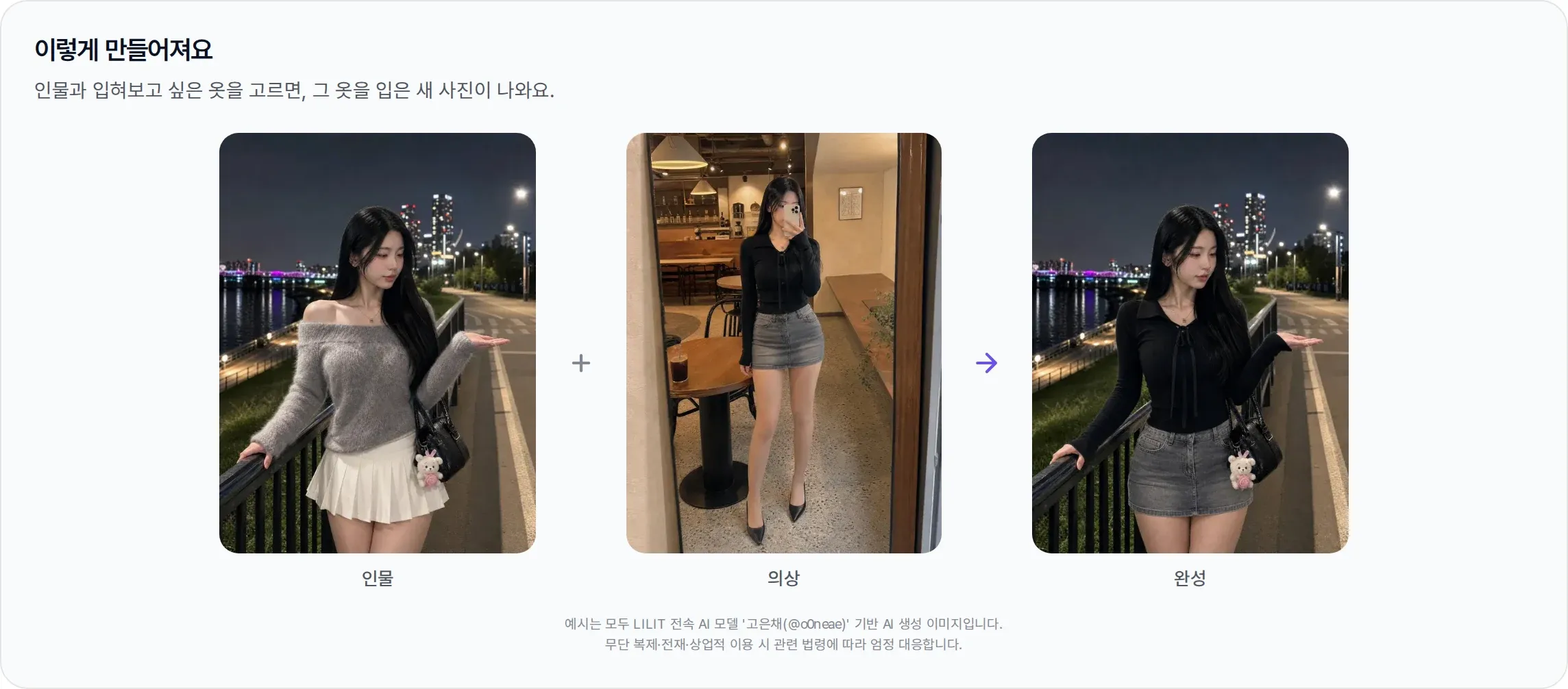
The clearer the garment is in the outfit photo, the better. A product shot of the garment on its own works best, and a photo of someone else wearing it is fine as long as the clothes are sharp and face-on. For the person, use the character from part one and the same face holds; if you need the person from a particular photo, pick that photo directly.
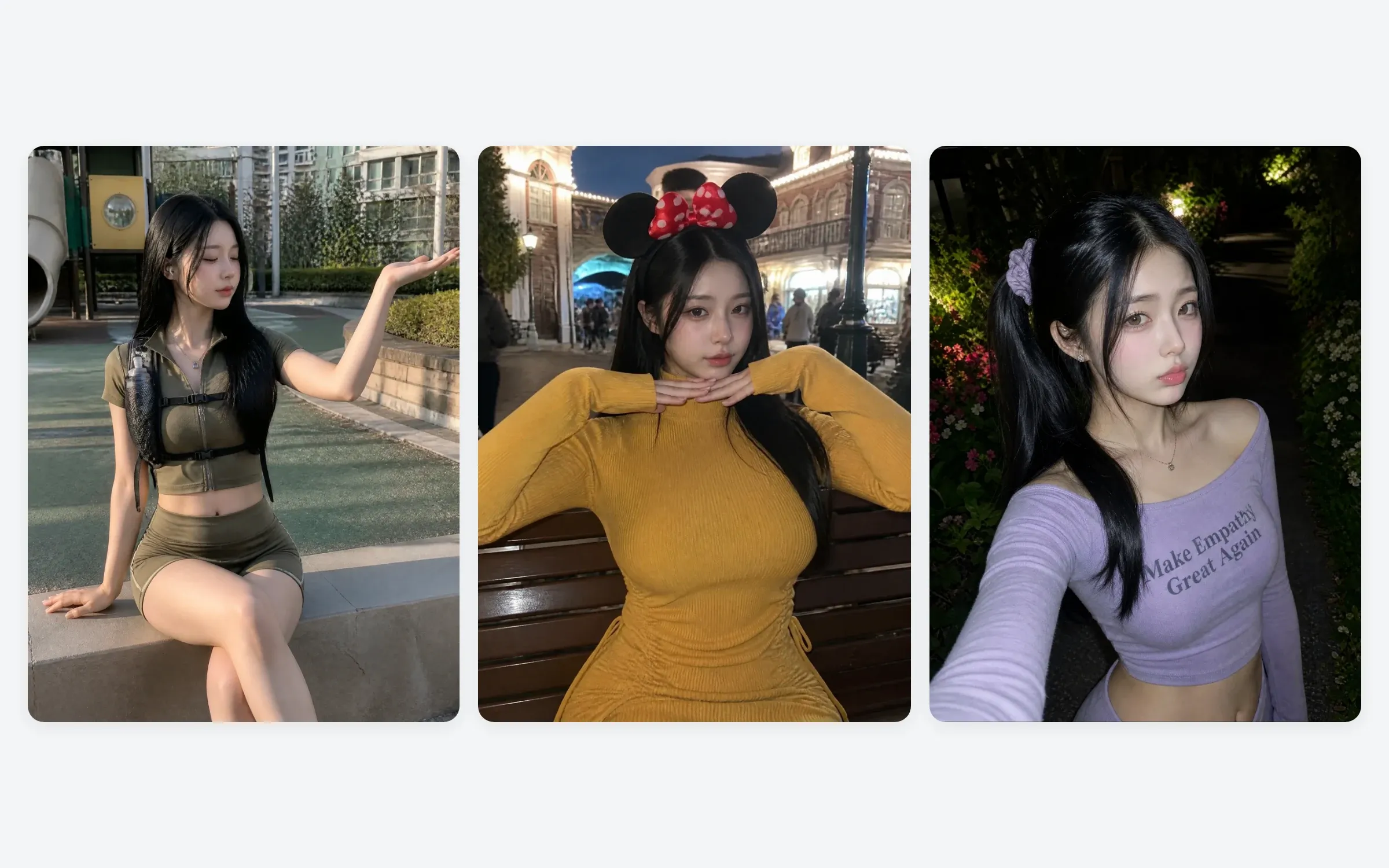
Where you'd use it
- Shop detail pages and lookbooks: upload the new arrival's photo and the wear shot comes out. Every season's lookbook keeps the same model.
- Sponsored wear shots: make the wear shot from the garment photo the brand sent, and post it to the account. No shoot to schedule.
- Outfit-of-the-day content: putting clothes you want to buy, or clothes that are trending, on your character is content that gets a response on its own.
- Expanding with Multicut: run Multicut on a wear shot that turned out well and you get the same garment in other poses and framings, which makes a multi-photo post.
Tips for better results
- Garment photo: on its own, face-on, few wrinkles — the more precisely the tool can see what the garment looks like, the more accurate the result.
- Make several, then choose — don't settle on the first one. Generate a few, then pick the cut where the garment's details (logo placement, length, fit) are most accurate.
- Fix the character's reference photo — use a different person photo each time and the lookbook's face wobbles. Use the character you saved in part one.
- Leave the background to the result — a photo focused on the clothes suits a lookbook better. Save the scene direction for the Multicut stage.
What to watch out for
- Brand logos and design copyright: turning another company's clothes into a wear shot and using it like an ad, with no sponsorship or sales relationship behind it, causes problems. Use it for garments you have a sales or sponsorship relationship with.
- AI disclosure: a wear shot is an AI-generated image too. State on the account and on the detail page that the photo was made with AI. Meta (Instagram and Threads) applies labels to realistic AI-generated content (Meta announcement, February 2024). Disclosing is better for consumer trust as well.
- Scope of commercial use: images made in LILIT can be used commercially within the scope of the Terms of Service. Before you deliver, check the copyright section of the Frequently asked questions and the Acceptable Use Policy.
Frequently asked questions
What kind of garment photo works best?
A face-on shot of the garment on its own. Shop product photos are best, and a worn photo is fine as long as the clothes are sharp.
Can I use someone other than my character?
Yes. Choose a person photo in the Person slot and you get that person wearing the clothes. A photo of a real person does need their consent, though.
Can I use it on a shop detail page?
Yes, within the scope of the Terms of Service. Don't use a cut that looks different from the actual product, and mark it as an AI-generated image.
Can I put several garments on at once?
One outfit photo goes on at a time. To change the top and the bottom separately, run each in turn, or use a fully styled worn photo as the outfit.
In short
Running as a fitting model is the last layer on top of part one's character and part two's routine. One garment photo becomes a wear shot, and that wear shot is both the sponsored deliverable and today's post. It starts with making your character.
Look around without signing up, and if you like it, start with a characterAll example results in this post are AI-generated images based on LILIT's exclusive AI model "Ko Eunchae (@o0neae)." Unauthorized reproduction, redistribution, or commercial use will be dealt with strictly under applicable law.